 Persona
Persona for macOS
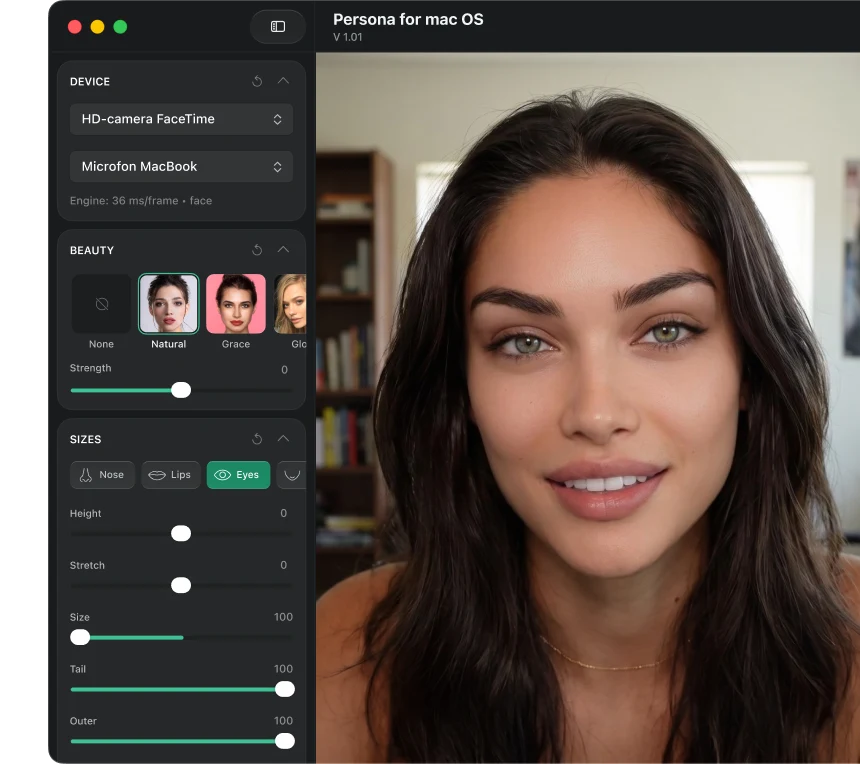
Natural beauty filtersfor video calls.for live streams.for interviews.for presentations.

Beauty styles
that fit you.
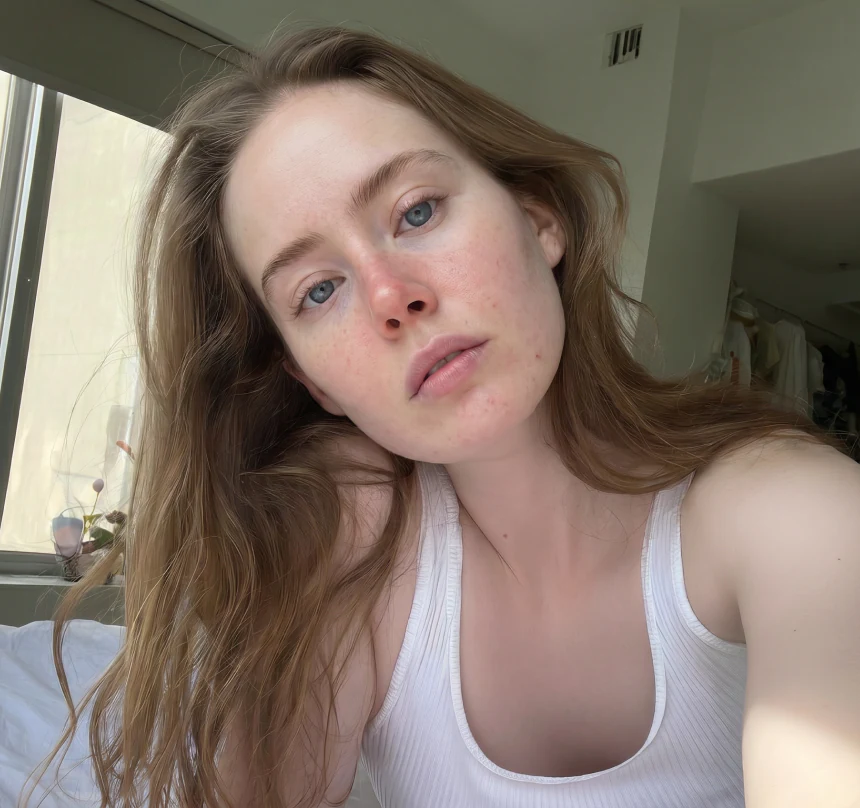
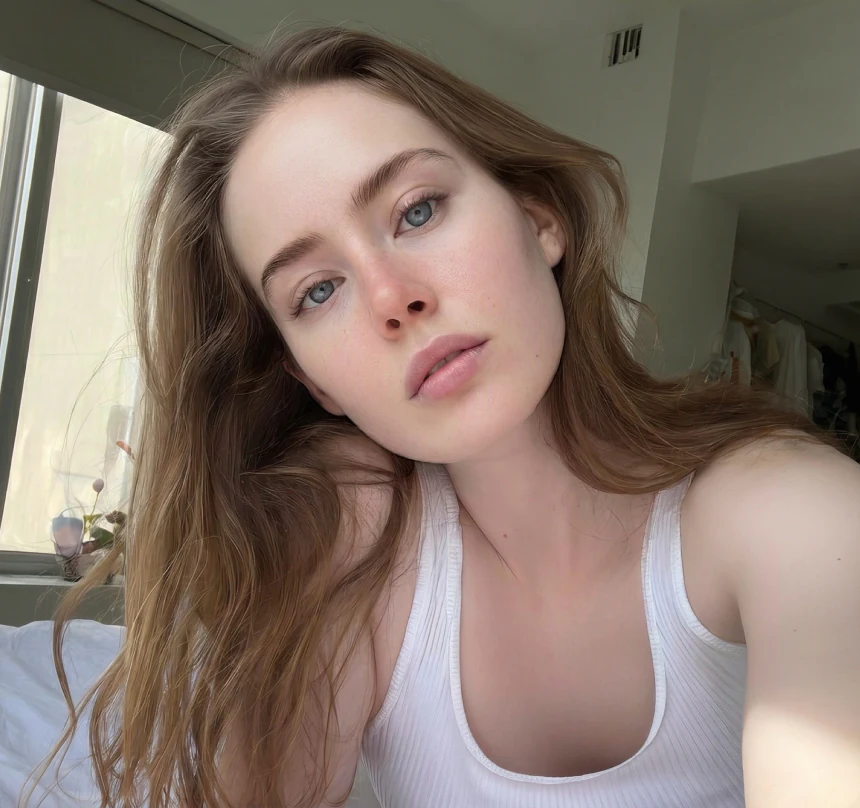


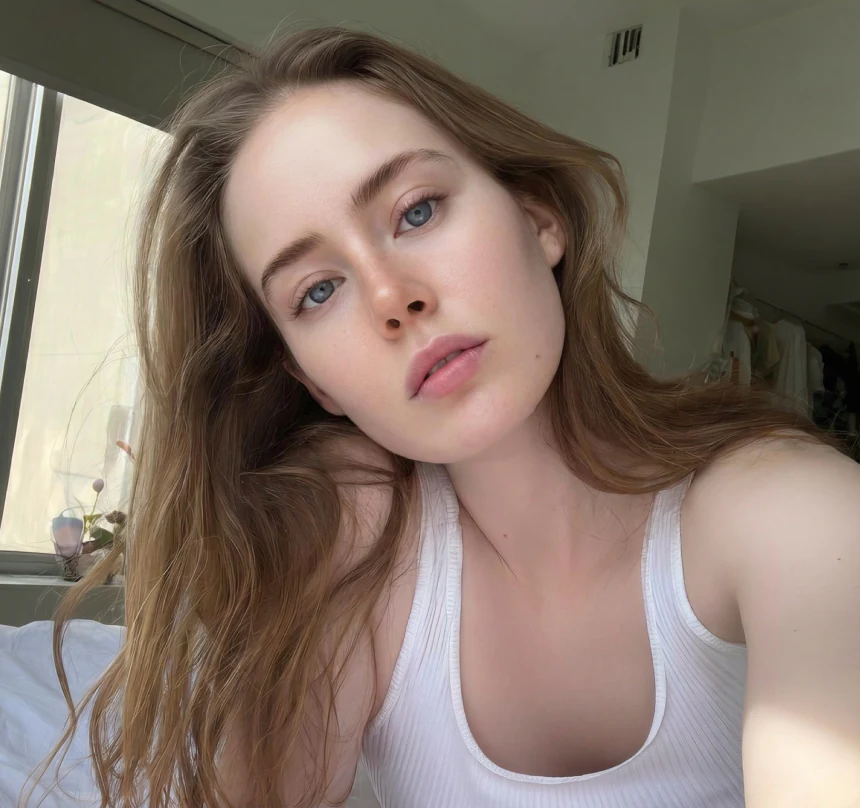
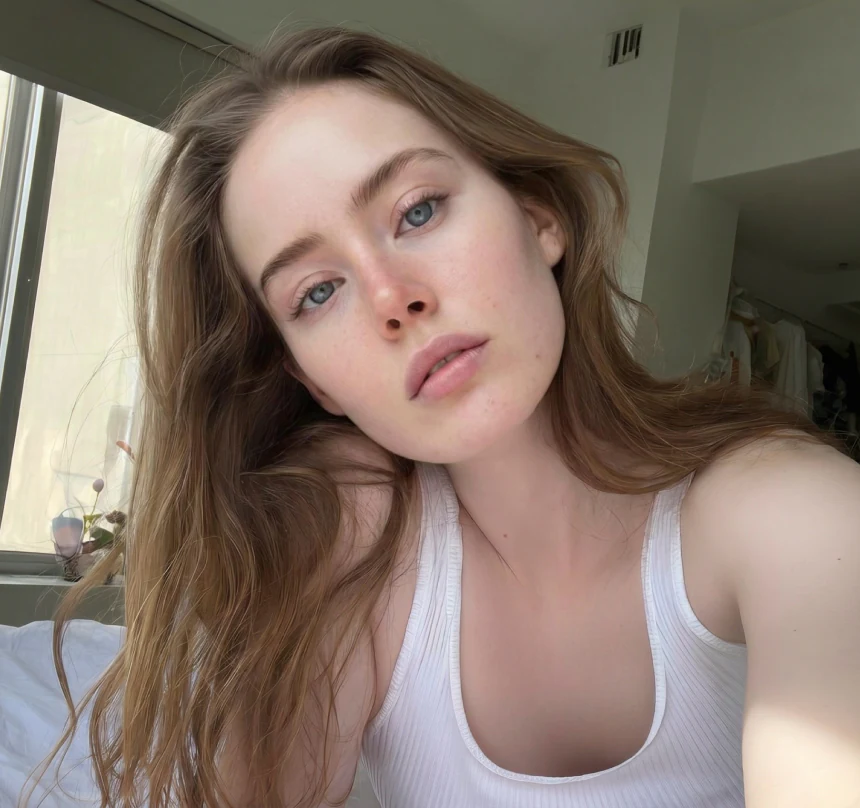
You look so fresh today ✨
👏Frank
💖Jessica


Join 100M+ people
using Persona.
Celebrities’
beauty secret.
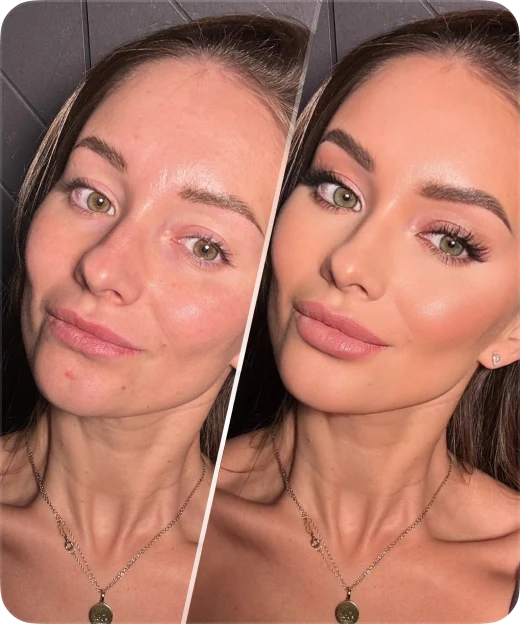
So natural, no one will ever know.
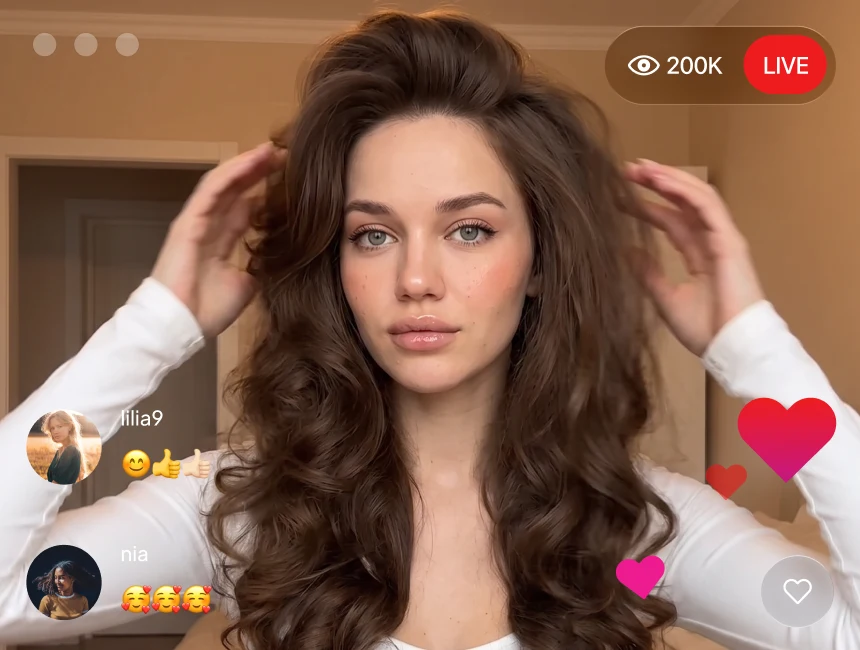
Works with your
favorite apps.
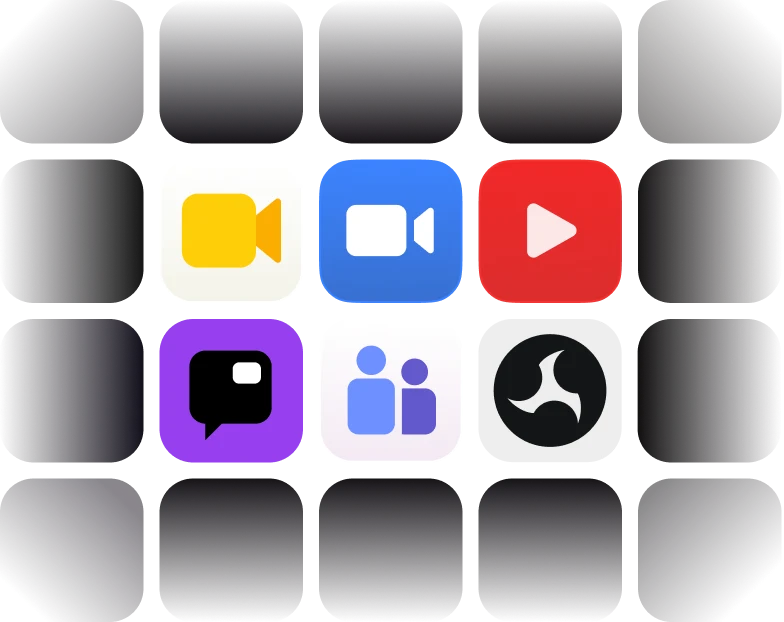
Works with Google Meet, Zoom, YouTube, Twitch, Microsoft Teams, OBS and more
Ready for your
next call.
 Install Persona
- Choose your look
- Select Persona as your camera
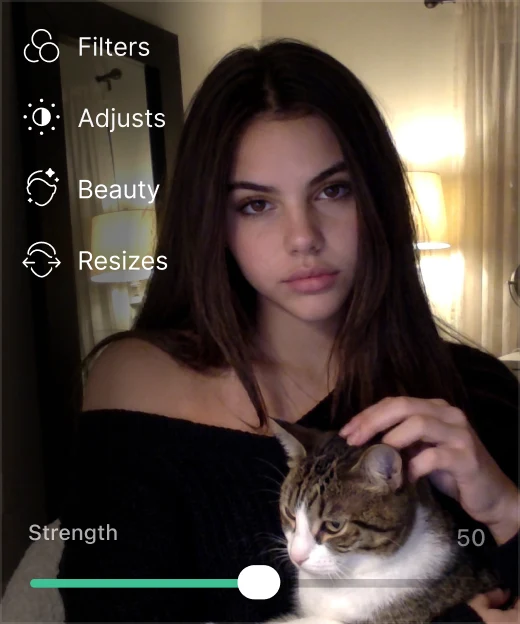
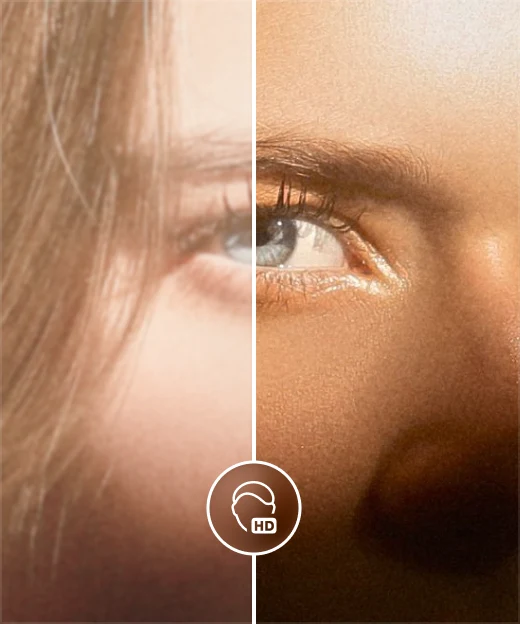
Your look. Your way.

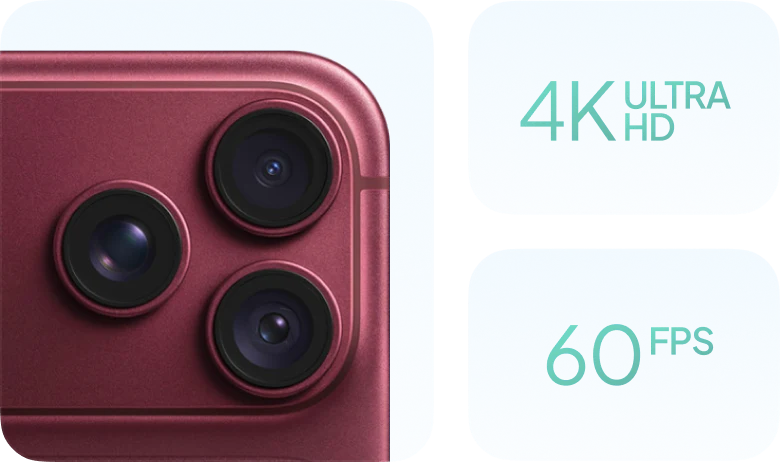
Use your iPhone
as a powerful web camera.
Your questions
answered.
No. Persona for macOS adds natural beauty filters to your camera feed and works with your existing video calling and streaming apps. Keep using your favorite app - just select Persona as your camera.
No. Your camera shows up for others exactly as usual, with no notice that Persona is on.
Persona works with popular video calling and streaming apps that let you choose a camera input. Open Persona, complete the camera setup, then select Persona as the camera in your meeting or streaming app.
Currently, full access to Persona for macOS requires a separate subscription. We plan to introduce a shared plan for desktop and mobile in the future.
Persona for macOS currently supports Macs with Apple silicon M1 or later, running macOS 26 or later. Windows support is coming soon.
Yes. Tap “Get Persona” and enter your email address. We’ll send you a link you can open on your Mac whenever you’re ready to download Persona.
Still have questions?
Write to us and we’ll help you get started.

Alex from PersonaI’m happy to answer any questions 😌

Write to usEmail support